Google Business Profile Optimization: A Practical Audit for Service Businesses
Google Business Profile Optimization: A Practical Audit for Service Businesses
Record a baseline before editing
1. Confirm that the listing represents the real business
2. Match the profile to the services customers can buy
3. Check hours and contact details
4. Improve the evidence customers see
5. Make the website handover specific
6. Review results without confusing activity with revenue
Turn the audit into an action list
Can profile optimization guarantee a place in the map results?
Should we create a profile for every city we serve?
A Google Business Profile can give a prospective customer an early impression of your business. Before they visit the website, they may already be judging whether you provide the right service, operate in their area and look credible enough to contact.
For service businesses in Canada and South Africa, a useful profile audit combines accurate business information with a reliable customer journey. The objective is to help a suitable person understand the business and take the next step.
Use the following audit to identify specific improvements without promising a particular position in local search.
Record a baseline before editing
Save a dated record of the current business name, primary category, address or service-area settings, hours, phone number and website destination. Note any pending edits or verification issues so another team member does not mistake them for completed work.
Also inspect the profile as a customer. Search for the business by name, check the information displayed and open the website link on a phone. Keep this baseline alongside your website and enquiry reporting.
The value of the baseline is practical: you can explain what changed and investigate an unexpected result without relying on memory.
1. Confirm that the listing represents the real business
Check the profile against how the business actually operates. Use the genuine business name and appropriate categories. Review whether customers visit the location or whether the business travels to them.
Google's representation guidelines require service-area businesses that do not receive customers at their address to hide that address. A virtual office is not a substitute for an eligible operating location. Check the official business representation rules before changing the listing structure.
For a business serving both countries, audit each eligible operation on its own facts. The desire to appear in another city is not evidence of a qualifying location there.
Watch Out
A service area does not automatically justify a separate business listing in each city. Check eligibility against the real business model and location before creating or changing a profile.
2. Match the profile to the services customers can buy
Read the description and service information from a customer's perspective. Can someone distinguish your core service from a related service you do not offer? Are obsolete offers or unsupported claims still visible?
Use plain language. For example, an accounting firm offering bookkeeping and management accounts should make that scope clear. A visitor should not need to interpret internal package names before deciding whether to enquire.
Assign an owner to confirm the information periodically and whenever the business changes its offer.
3. Check hours and contact details
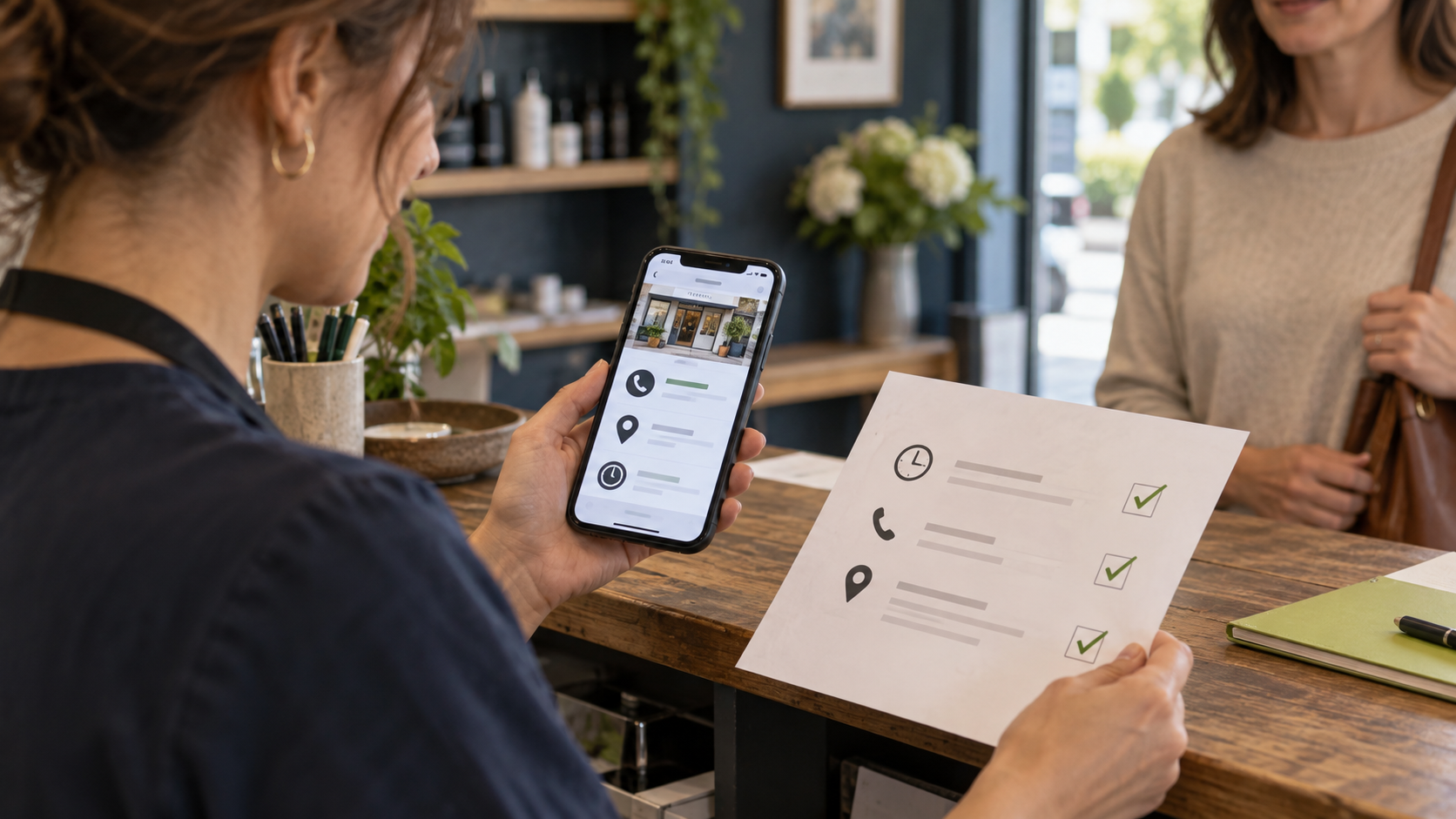
Test the phone number and inspect the website destination. Confirm that published hours reflect the way customers can actually interact with the business. Review relevant holiday arrangements rather than leaving customers to discover a closure after calling.
If a central team answers enquiries for several locations, explain the local service accurately on the destination page. Avoid sending every visitor into a generic page that leaves them unsure whether their area is covered.
Record the person responsible for making future operational changes. A correct profile today can become misleading when ownership is unclear.
Pro Tip
Follow the website link from the profile on your phone. Confirm that it opens the intended page, explains the service and gives the customer a working next step. Record the result alongside the profile corrections.
4. Improve the evidence customers see
Review the available photographs for relevance and accuracy. Do they show the real team, premises where appropriate, or examples of the work the business performs? Remove the need for a visitor to guess what the business looks like or how it operates.
Build a consistent process for inviting genuine customer feedback. Requests should be neutral, without incentives or selective requests designed to suppress negative experiences. Google's contribution policy explains the restrictions on manipulated reviews.
When responding, acknowledge the issue without publishing private customer details. Where a matter needs investigation, move that discussion to an appropriate private channel.
5. Make the website handover specific
The profile and website should describe the same business and offer. A prospective customer who clicks through should find a clear continuation of what attracted them.
Inspect the destination for four things:
A clear explanation of the relevant service and area served.
Credible evidence the business is qualified to provide it.
A visible, usable contact or booking action.
A working process for routing the enquiry to someone responsible.
For eligible local operations, a useful location page can explain the team, service scope, genuine local details and contact route. Avoid producing interchangeable city pages whose only meaningful difference is the place name.
6. Review results without confusing activity with revenue
Google describes local results in terms of relevance, distance and prominence. Complete information and customer evidence can help Google understand the business, but you cannot edit away the distance between a searcher and a location or pay Google for a better organic local ranking. See Google's local ranking guidance.
Review the performance data available to the profile alongside enquiries and customer outcomes. Keep the definitions distinct: a website click is not a booked appointment, and a call interaction does not prove a qualified opportunity.
Where practical, use a consistent tracking convention for the website link and preserve that source in the CRM. Test the destination after adding tracking parameters. Explain measurement gaps when phone calls or later visits cannot be confidently attributed.
Turn the audit into an action list
Create a short record with five fields: issue, customer impact, proposed correction, owner and evidence of completion.
Prioritise incorrect contact information, eligibility concerns and broken destinations first. Then improve service clarity, photographs, feedback processes and measurement. This order directs attention to changes that help people reach and evaluate the business.
Blink's SEO and AI visibility services and reputation management services can support this work as part of a wider marketing system.
Key Takeaway
A useful business-profile audit produces verified corrections with an owner. Keep business information accurate, provide relevant evidence and connect the listing to a working enquiry journey.
Frequently asked questions
Can profile optimization guarantee a place in the map results?
No. Local results depend on several factors, including the searcher's location. A credible proposal should describe the work and how it will be measured rather than guarantee a fixed position for everyone.
Should we create a profile for every city we serve?
Only create profiles that meet Google's eligibility and representation requirements. A service area does not automatically establish a separate business location.
How often should the profile be reviewed?
Review it whenever services, hours, contact details or operations change. A regular internal check also helps catch stale information and unanswered feedback. Choose a frequency your team can maintain.
Connect local visibility to a working enquiry process
A profile audit is most useful when it ends with verified corrections and a clear customer route. Book a strategy call with Blink Digital Consulting to discuss the profile, website and follow-up process together.
Blink Digital Consulting
Blink Digital Consulting helps businesses generate qualified leads, improve online visibility, automate follow-up, and build digital marketing systems that work around the clock.